
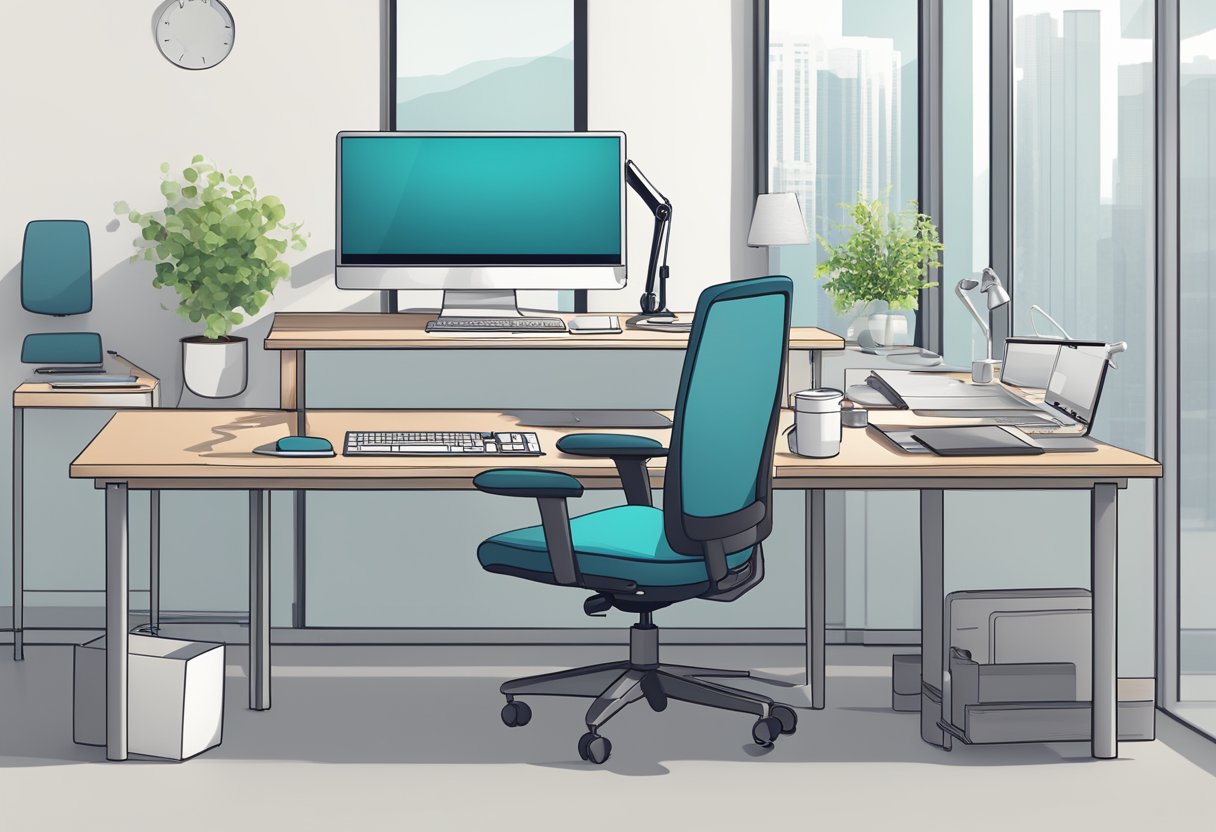
Workspace ergonomics is the science of designing a workspace that is comfortable, safe, and efficient for the user. Poor workspace ergonomics can lead to discomfort, pain, and injury, as well as decreased productivity and quality of work. Proper ergonomics can help prevent these negative outcomes and improve overall well-being.
Fundamentals of workspace ergonomics include understanding the physical and environmental factors that can affect the user, as well as the behavioral aspects of ergonomics.
Physical ergonomics involves designing the workspace to fit the user's body and movements, while environmental considerations include factors such as lighting, noise, and air quality.
Behavioral aspects of ergonomics involve promoting healthy habits and practices, such as taking breaks and staying hydrated.
Ergonomic risk factors are physical, environmental, and organizational factors that can lead to musculoskeletal disorders and other workplace injuries.
These factors include awkward postures, repetitive motions, forceful exertions, contact stress, and vibration. Other factors include poor lighting, improper ventilation, and excessive noise.
Employers must identify and manage ergonomic risk factors in the workplace to prevent injuries and promote employee health and safety. This can be achieved by conducting ergonomic assessments, implementing ergonomic training programs, and providing ergonomic equipment and tools.
The principles of ergonomic design are fundamental guidelines that help to create a workspace that is safe, comfortable, and efficient. These principles include
maintaining neutral posture
reducing excessive force
minimizing repetitive motions
and providing adequate lighting.
Other principles include
adjusting the height of work surfaces
providing ergonomic chairs and other equipment
ensuring that the workspace is well-ventilated
By applying these principles, employers can create a workspace that promotes employee health and safety, reduces the risk of injuries and illnesses, and improves job satisfaction and productivity.
Creating an ergonomic workspace involves more than just choosing the right chair and desk. It also requires careful consideration of the layout and organization of the space.
In this section, we will explore three key aspects of workspace layout and organization: space planning, lighting and acoustics, and cable management.
A well-planned space can help reduce the risk of injury and improve productivity. At Twinhub, the office space is designed to keep workers inspired and motivated throughout their workday.
The sports and active lifestyle theme provides a fun and stimulating environment that helps unleash creativity and reach its full potential. The mini gym and sports-themed lounge provide opportunities for quick breaks and relaxation.
When planning a workspace, it is important to consider the size and shape of the room, the number of workers, and the tasks that will be performed.
Furniture should be arranged in a way that promotes good posture and allows for easy movement. For example, chairs should be positioned at the correct height for the desk, and the desk should be at a comfortable distance from the computer screen.
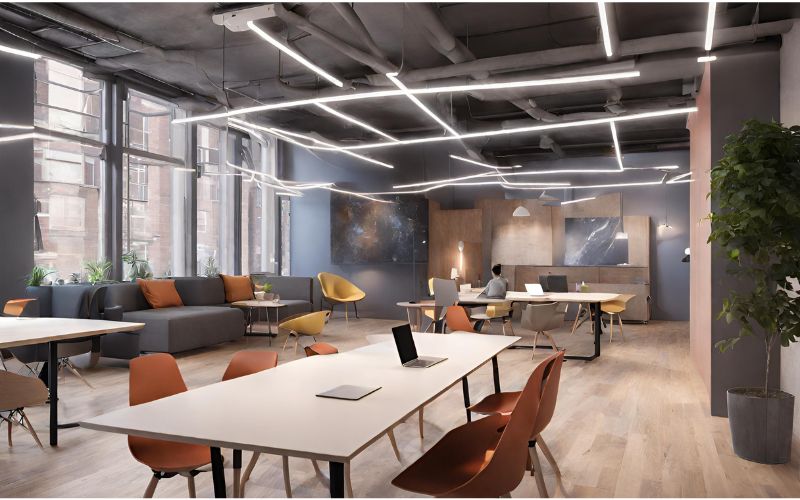
Lighting and acoustics are important factors in creating a comfortable and productive workspace. Good lighting can help reduce eye strain and improve mood, while proper acoustics can help reduce distractions and improve concentration.
At Twinhub, natural light is used whenever possible to create a bright and welcoming atmosphere.
Artificial lighting is also carefully chosen to provide adequate illumination without causing glare or shadows. Acoustics are managed with sound-absorbing materials and careful placement of furniture to reduce noise levels and improve privacy.
Cable management is often overlooked in workspace design, but it is an important aspect of creating an ergonomic workspace. Proper cable management can help reduce clutter and tripping hazards, as well as improve the overall appearance of the workspace.
At Twinhub, cables are carefully managed to ensure that they are not a distraction or a safety hazard. Cables are hidden behind furniture or managed with cable ties and clips to keep them organized and out of the way.
Overall, a well-planned and organized workspace can help reduce the risk of injury, improve productivity, and create a comfortable and welcoming environment.
Choosing a coworking space like Twinhub may be the best option for most people instead of setting everything up on their own, as it incorporates all the best practices of workplace ergonomics.
Related Posts:
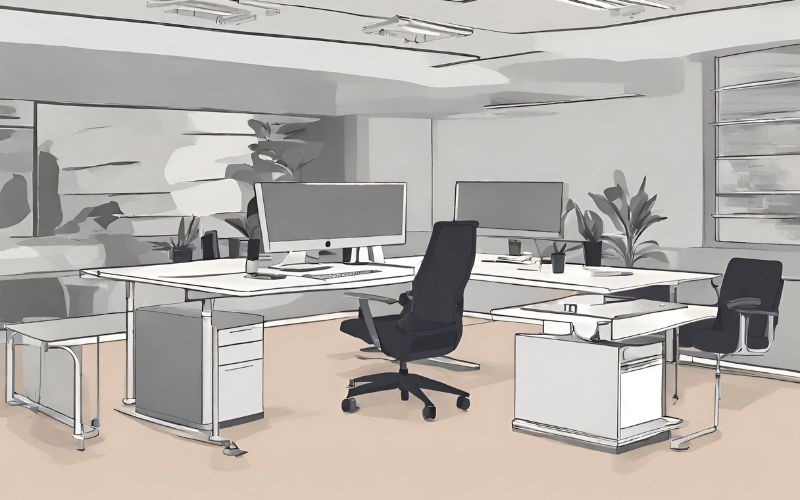
When it comes to creating an ergonomic workspace, having the right equipment is essential. Here are some of the most important ergonomic equipment items to consider:
Chairs and seating are one of the most important pieces of ergonomic equipment in any workspace. A good ergonomic chair should provide proper support for the back, arms, and legs, and should be adjustable to fit the individual user. Look for chairs with adjustable height and tilt, lumbar support, and armrests.
The desk or workstation is another important piece of ergonomic equipment. The height of the desk should be adjustable to allow the user to work comfortably at the correct height for their body. In addition, the desk should be large enough to accommodate all necessary equipment and paperwork without feeling cramped or cluttered.
Ergonomic keyboards and input devices can help reduce the risk of repetitive strain injuries, such as carpal tunnel syndrome. Look for keyboards that are split or angled to reduce strain on the wrists, and consider using a mouse or trackball that fits comfortably in the hand.
Proper monitor placement is essential for an ergonomic workspace. The top of the monitor should be at or slightly below eye level, and the monitor should be placed directly in front of the user to reduce neck strain. Consider using a monitor arm or stand to adjust the height and angle of the monitor for optimal viewing.
By investing in ergonomic equipment, individuals can create a workspace that is comfortable, safe, and conducive to productivity.
Physical ergonomics is a branch of ergonomics that focuses on the physical aspects of work. It involves designing workstations, tools, and equipment that fit the physical capabilities and limitations of workers. Proper physical ergonomics can prevent musculoskeletal disorders and improve work efficiency.
Posture and alignment are critical factors in physical ergonomics. Poor posture and alignment can result in back pain, neck pain, and other musculoskeletal disorders. Therefore, it is essential to maintain proper posture and alignment while working.
To maintain proper posture and alignment, workers should sit with their feet flat on the floor, their back straight, and their shoulders relaxed. The top of their computer screen should be at or slightly below eye level, and their keyboard and mouse should be at a comfortable distance from their body.
Workers should also avoid slouching or leaning forward while working.
Movement and breaks are also essential in physical ergonomics. Prolonged sitting or standing can lead to fatigue, muscle tension, and other health problems. Therefore, it is crucial to take frequent breaks and move around during the workday.
Workers should take short breaks every 30 to 60 minutes to stretch, walk around, or do other physical activities. They should also vary their tasks and change their posture frequently to prevent muscle fatigue and tension.
Accessibility and inclusivity are also important factors in physical ergonomics. Workstations and equipment should be designed to accommodate workers of different sizes, shapes, and abilities. This includes adjustable chairs, desks, and computer accessories that can be customized to fit individual needs.
In addition, workers with disabilities should have access to assistive technology and other accommodations that can help them perform their job duties. This can include ergonomic keyboards, voice recognition software, and other tools that can make work easier and more comfortable.
Creating a comfortable and healthy workspace involves more than just ergonomic furniture and proper lighting. The environment in which the office is located can also play a significant role in employee well-being and productivity. Here are some environmental considerations to keep in mind:
Indoor air quality (IAQ) refers to the quality of the air inside a building and how it affects the health and comfort of its occupants.
Poor IAQ can lead to a range of health problems, including headaches, fatigue, and respiratory issues. To ensure good IAQ, it's important to consider factors such as ventilation, air filtration, and the use of low-emitting materials.
Regular cleaning and maintenance of HVAC systems can also help to improve IAQ.
Temperature and humidity levels can have a significant impact on employee comfort and productivity. Ideally, the temperature in a workspace should be between 68 and 76 degrees Fahrenheit, with a relative humidity of between 30 and 60 percent.
High temperatures can lead to fatigue and decreased productivity, while low temperatures can lead to discomfort and distraction.
Humidity levels that are too high can lead to mold growth and other issues, while levels that are too low can cause dry skin, eyes, and throat.
Introducing pleasant aromas in the workspace through methods like essential oil diffusers or scented candles can create a more inviting environment, positively impacting mood and focus, thus enhancing productivity.
Additionally, utilizing humidifiers can help maintain optimal humidity levels, particularly in dry weather or regions with traditionally low humidity, fostering a comfortable and conducive atmosphere for work.
Biophilic design is an approach to architecture and interior design that seeks to connect people with nature. This can be achieved through the use of natural materials, such as wood and stone, as well as the incorporation of plants and other natural elements.
Research has shown that biophilic design can have a range of benefits, including improved mood, reduced stress, and increased productivity.
In conclusion, optimizing your workspace ergonomics is crucial for fostering productivity, comfort, and overall well-being. By considering physical, environmental, and behavioral factors, you can create a workspace that supports your health and enhances your performance.
Experience the optimized workspace at Twinhub coworking space. Join us today to discover a vibrant community, state-of-the-art facilities, and a workspace designed for success. Take the leap towards a healthier, more productive work life with Twinhub.
J

twinhub
Twinhub is a co-working space for people with big ideas to connect, collaborate and get ahead.
Our Location
Copyright 2026. Twinhub (Pvt) Ltd.